
AS400 Tape Drives & DVD
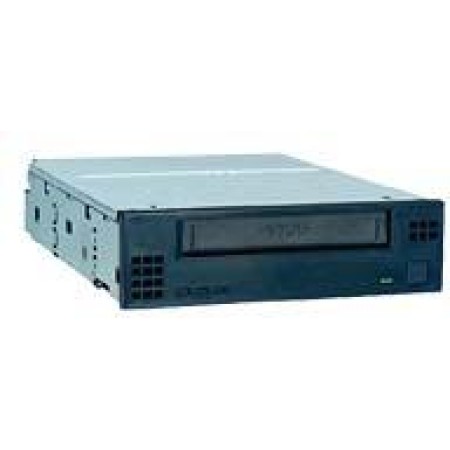
- All our IBM System i, iSeries and AS400 parts are IBM Certified and eligible for new or existing IBM Maintenance Contracts.
- IBM Banding can also be provided upon request.
- All IBM systems and parts include a limited warranty. We provide very competitive new and refurbished pricing. Some items may only be available as new or refurbished.
- If your not sure what you need, please contact us for assistance.
Types of AS/400 Tape Drives
IBM has produced several types of tape drives for AS/400 systems, including:
1/4-Inch Cartridge Tape Drives:
- IBM 6380 and 6381: 2.5GB native capacity (5GB compressed)
- IBM 6382: 4GB native capacity (8GB compressed)
- IBM 6383: 16GB native capacity (32GB compressed)
- IBM 6384: 30GB native capacity, using SLR60 technology
LTO (Linear Tape-Open) Drives:
- IBM 5755: LTO-2 with 200GB native capacity (400GB compressed)
- IBM 5746: LTO-4 with 800GB native capacity (1.6TB compressed)
Features and Compatibility
AS/400 tape drives offer various features to enhance their functionality:- Read/Write Compatibility: Many drives can read and write multiple tape formats. For example, the IBM 5746 LTO-4 drive can write and read LTO-4 and LTO-3 formats, and read LTO-2 format.
- Data Transfer Rates: Transfer speeds vary by model. The IBM 5746 LTO-4 drive, for instance, offers a data rate of 120Mbps.
- Compression: Most drives support data compression, effectively doubling their capacity.
Configuration and Installation
When installing a new tape drive on an AS/400 system:- Ensure proper cabling and termination settings on both the bus and device.
- Check that the drive is compatible with your specific AS/400 model.
- Install the drive in a removable media device slot in the system unit or expansion tower.
- The system should automatically detect the new drive upon restart.
- Verify physical connections
- Check for any required firmware updates
- Use system commands to configure the device
AS/400 Tape Drive Maintenance
To keep your AS/400 tape drives in optimal condition: AS/400 tape drives remain an important part of many businesses' data management strategies, offering reliable backup and storage solutions for IBM i, System i, and iSeries environments.
#4633 DVD-RAM 520/550/570/595
Call for Price: (888) 682-5335
#4683 16 GB QIC Tape 825/870/890/Expan
Call for Price: (888) 682-5335
#4684 30 GB QIC Tape 825-890/Expan
Call for Price: (888) 682-5335
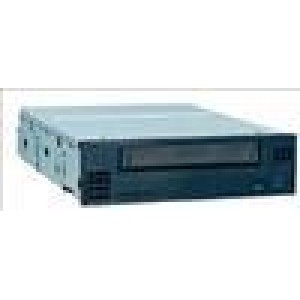
#4685 VXA-2 80GB Tape 825-890/Expan
Call for Price: (888) 682-5335
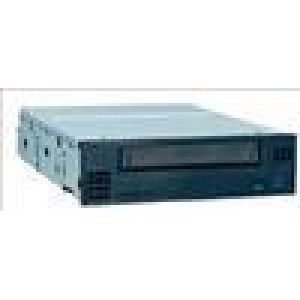
#4686 25 GB QIC Tape 825-890/Expan
Call for Price: (888) 682-5335
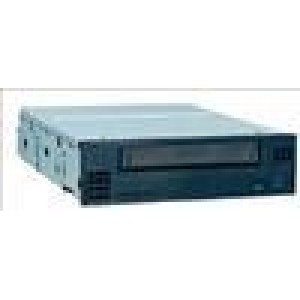
#4687 50 GB QIC Tape 825-890/Expan
Call for Price: (888) 682-5335
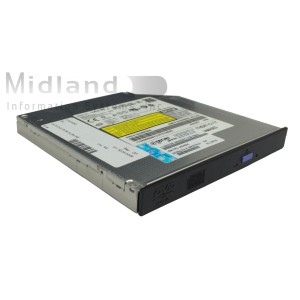
5751 IBM DVD-RAM for iSeries 9406 Systems
Call for Price: (888) 682-5335
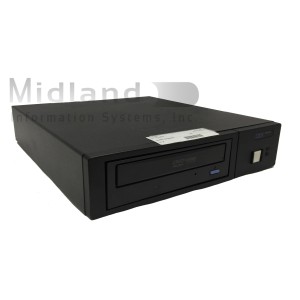
7210 020 IBM External CD-ROM Media Drive
Call for Price: (888) 682-5335

#4530 DVD-RAM
Call for Price: (888) 682-5335
#4531 DVD-ROM 270, 800, 810, 820 CEC
Call for Price: (888) 682-5335
#4582 4GB 1/4-INCH CARTRIDGE TAP
Call for Price: (888) 682-5335
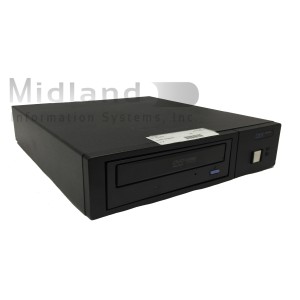
7210 030 IBM External CD-RAM Drive
Call for Price: (888) 682-5335
#4583 16GB 1/4-INCH CARTRIDGE TA
Call for Price: (888) 682-5335
#4584 30 GB QIC Tape270/800/810/820 CEC
Call for Price: (888) 682-5335

#4586 25GB 1/4-INCH CARTRIDGE TA
Call for Price: (888) 682-5335